The purpose of this demonstration is to demonstrate random dataset generation and to explore reasonable parameters for dataset generation. We aim to follow established custom in the literature, as far as possible.
Because we centre the images on the visible light, there will usually
be a lot of empty background to crop. Making the calculations on
larger images will prevent many cropping artifacts.
We also note that the image size is limited by computer memory, when
they are used with machine learning. We were unable to use
images on a GPU with 50Gb memory, but work.
Parameter ranges
To build training sets we need to generate random sets of plausible images. The ranges and probability distribution may vary from study to study. The parameters we establish here are designed to be realistic examples of strong lensing, erring on the side of wider ranges.
| Parameter | Symnol | Identifier | Distribution | Range |
|---|---|---|---|---|
| Einstein radius | einsteinradius | Uniform | ||
| Source position | position.r | Uniform | ||
| Source location | position.phi | Uniform | ||
| Lens orientation | orientation | Uniform | ||
| Source orientation | Uniform | |||
| Lens ellipticity | ellipseratio | Uniform | ||
| Source size | sigma | Uniform | ||
| Sersic index | n_sersic | Uniform | ||
| Luminosity | luminosity | Exponential | , |
The source position is given in polar co-ordinates .
The distance is chosen to be inside or around the critical curve, hence the limit for some constant .
Angles are given in degrees in the source code and chosen uniformly from a half circle, because of symmetry.
The source is spherical with a sersic profile.
Dataset generation
Before we start, lets check the version.
import CosmoSim
print( CosmoSim.__version__ )
3.3.0
The CosmoSim.dataset module provides the functions to generate random datasets.
We will also use the Imge module as before.
import CosmoSim.dataset as csd
import CosmoSim.Image as csimg
The probability distribution is specified by a nested dict, typically
defined in a TOML file, similar to those used in other CosmoSim modules.
However, the dataset submodule does not use the Parameters class for
its parameters at present.
cfg = csd.readtoml( "dataset.toml" )
display( cfg )
{'simulator': {'model': 'Raytrace',
'size': 15000,
'nterms': 4,
'imagesize': 512,
'cropsize': 256,
'centred': True},
'dataset': {'directory': 'images'},
'lens': {'mode': 'SIE',
'einstein-min': 2.5,
'einstein-max': 75,
'orientation-min': 0,
'orientation-max': 180,
'ellipseratio-min': 0.1,
'ellipseratio-max': 0.9},
'source': {'mode': 'SersicSphere',
'n_sersic-min': 1,
'n_sersic-max': 5,
'luminosity-min': 20,
'luminosity-max': 80,
'luminosity-lambda': 2.0,
'sigma-min': 5,
'sigma-max': 50,
'position': 'relative'},
'position': {'phi-min': 0, 'phi-max': 360, 'r-relativemax': 1.2}}We see that this configuration is set up to generate 15000 images in 256256 format. We can see the parameter ranges for the lens and for the source, which is a sphere with sersic profile. It is set up to do raytrace simulation with a SIE lens.
To get a single random object, we use the getline() function.
ob = csd.getline( cfg, fn="test.png" )
display( ob )
[getline] idx=0
index                        0
filename              test.png
model                 Raytrace
einsteinradius       19.840411
ellipseratio          0.472879
orientation         144.406741
lens                       SIE
source            SersicSphere
R                    20.630676
phi                   2.860123
sigma                21.262967
sigma2               35.497061
theta                74.293033
n_sersic              2.472931
luminosity            46.70247
x                    20.604977
y                     1.029426
dtype: object
The filename fn is used for indexing as well as saving images in
batch processing.
It can otherwise be omitted.
Generating the image
Observe that the row generated by getline() is a flat structure,
and not the hierarchical structure used in TOML files.
However, we can add the parameters from ob to the parameters
object as follows.
import CosmoSim as cs
import CosmoSim.datagen as csg
import matplotlib.pyplot as plt

param = cs.Parameters( )
param.setRow( ob )
Now we can run the simulator as we have done in previous demos (e.g. CosmoSim Demo I.
imsim = csg.SimImage( param, verbose=0 )
im = imsim.getImage()
csimg.imshow( im, "Random image test" )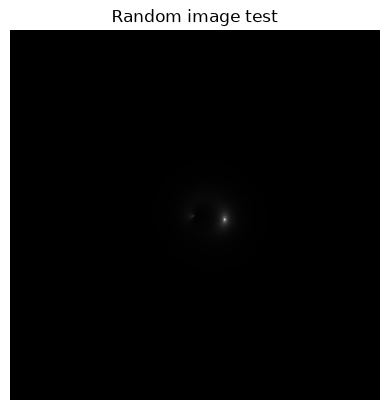
The image is very small, but that may well be correct. We can inspect the undistorted source image as well.
actual = imsim.getActualImage()
csimg.imshow( actual, "Undistorted source" )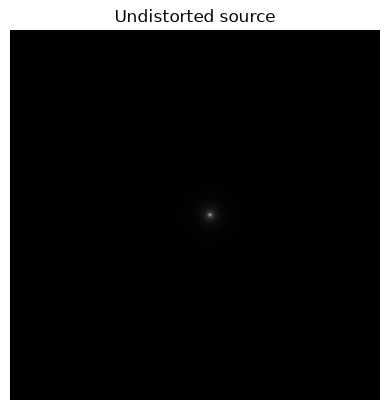
Sampling
To get an impression of distribution, we can bulk generate configurations. Let’s first look at the dataset, as follows.
import pandas as pd
obs = [ csd.getline( cfg ) for ob in range(8) ]
df = pd.DataFrame( obs )
display(df)
[getline] idx=0
[getline] idx=0
[getline] idx=0
[getline] idx=0
[getline] idx=0
[getline] idx=0
[getline] idx=0
[getline] idx=0
To create the images we make a quick function to generate a each one.
def getImage(ob):
    param = cs.Parameters(cliconfig=cfg)
    param.setRow( ob )
    sim = csg.SimImage( param, verbose=0 )
    im = sim.getImage()
    csimg.crop( im, param.get( "cropsize" ), verbose=0 )
    return im
Each line of the function is as used above in the document, except that we have added cropping. Now we can quickly generate a list of images and display them.
import CosmoSim.Image as csimg

ims = [ getImage(ob) for ob in obs ]

fig = plt.figure(figsize=(20, 10))
fig.tight_layout(pad=0.0)
plt.subplots_adjust(hspace=0.1, wspace=0.1)

for idx,im in enumerate(ims):
    fig.add_subplot(2, 4, idx+1)
    csimg.imshow( im )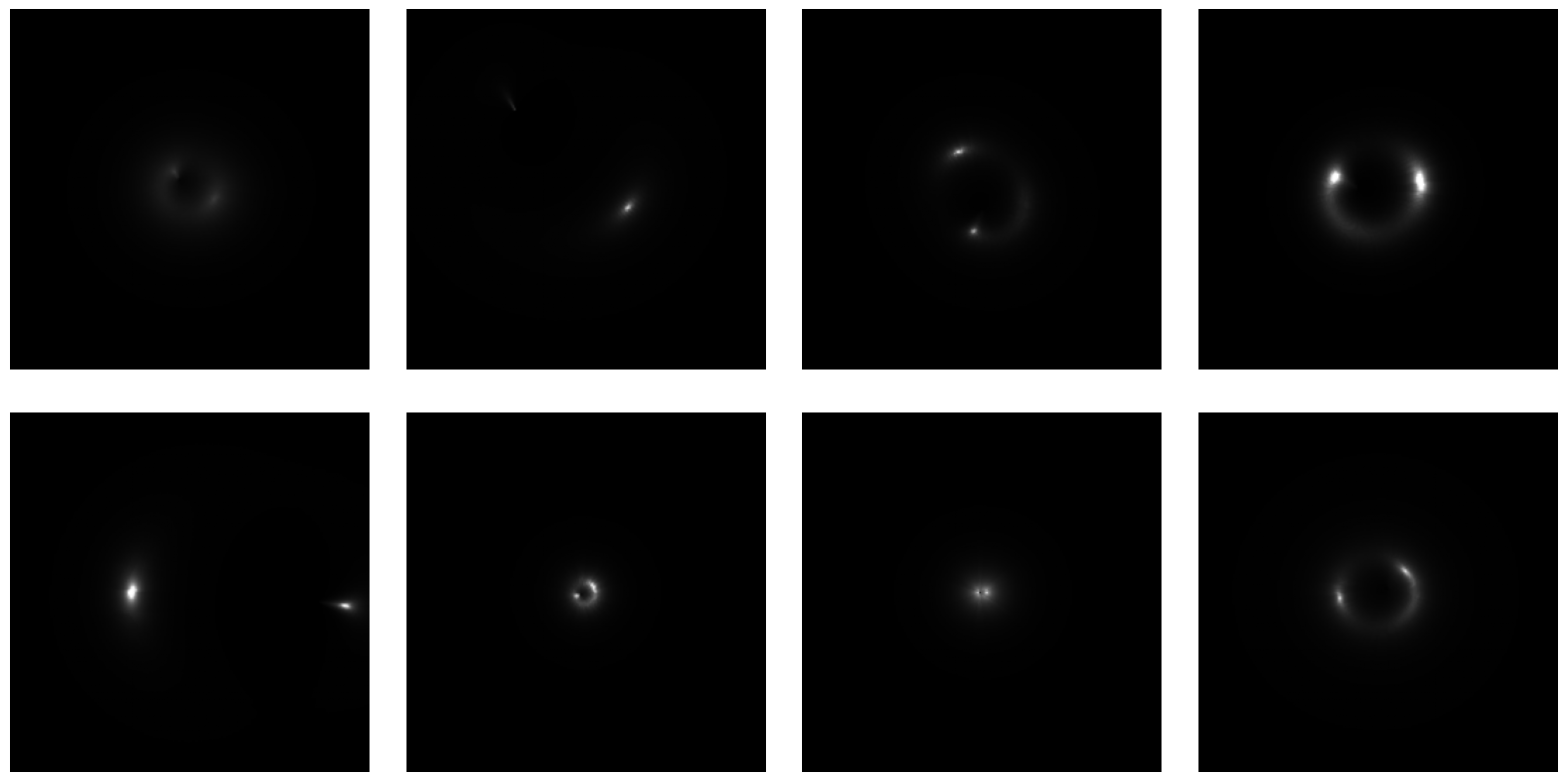
Bulk generation
Managing thousands of images in a Jupyter Notebook is not very practical. In most cases, one will want to generate the dataset from the command line
python -m CosmoSim.dataset config.toml dataset.csvThis generates a CSV file which can be used for image generation.
It is also possible to generate the dataset and the images in one go, using
python -m CosmoSim --rnd --toml config.toml --csvfile dataset.csv \
      --outfile roulette.csv --directory images
This generates the random dataset (dataset.csv) and the images in the images directory, as well as a dataset of corresponding roulettes amplitudes (roulette.csv).