This test follows up on problems arising from Custom Amplitudes Files and tests calculation of roulette amplitudes from python.
Preparation
import pandas as pd
import matplotlib.pyplot as plt
import numpy as np
from PIL import Image
import toml
from copy import deepcopy

import CosmoSim as cs
from CosmoSim import Parameters
from CosmoSim.datagen import SimImage
from CosmoSim.roulettegen import Resim
import CosmoSim.Image as csimg

print( "CosmoSim version:", cs.__version__ )
CosmoSim version: 3.3.0
We use the same configuration as we have used before.
cfg = { 'simulator' : {
             "model" : "Raytrace",
             "centred" : False,
             "xireference" : True,
             "nterms" : 5,
             "cropsize" : 256 }
      , 'lens': {
            'mode' : "PM",
            "amplitudefile" : "pm50v3.2.txt",
            'einsteinradius': 46 }
      , 'source': {
            'mode': 'SersicSphere',
            'sigma': 20,
            'luminosity' : 20,
            'position': 'cartesian'}
      , 'position': {'x': 10, 'y': 5 }
      }
param = Parameters(cfg)We set up two simulators. We show only the raytrace simulation for now. This will be used as a reference to assess the fidelity of other simulations. Even though the simulator is set up for raytrace, it will also compute the roulette amplitudes for us. We centre the image, as this is the standard mode of operation in practice, and thus best tested.
sim = SimImage( param, verbose=0 )
ray = sim.getImage()
csimg.imshow( ray, 'Raytrace')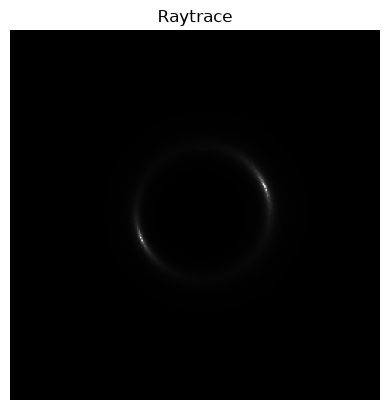
Roulette Amplitudes
As we have shown in previous demos, we can retrieve all the amplitudes as a pandas Series object.
df01 = sim.getData()This calculation is made in double precision in the C+= library. The python code also offers a calculation in arbidtrary precision. The default is 64 digits at present. This computation is slow, so do not worry if you do not see the results immediately.
df02 = sim.getData(precision=64,verbose=0)[['0', '1', '-g**2*x/(x**2 + y**2)', '-g**2*y/(x**2 + y**2)'], ['1', '0', '0', '0']]
We can compare the two, but we need a little trick to disregard non-numeric entries.
df = pd.DataFrame( [ df01, df02, df02.drop(["filename","source"])-df01 ],
                   index=[ "C++", "Python", "Difference" ] ).transpose()
display(df)We can quickly check the worst discrepancy:
dfnumeric = df.drop( [ "source", "filename" ] )
display(dfnumeric.head())diff = dfnumeric["Difference"].abs()
print( "Absolute error:", diff.max() )Absolute error: 0.000000000000001205503640941245663955074471175680505937357722165289236644271295
py = dfnumeric["Python"].abs()
py = py.mask( py == 0 )
df["Relative difference"] = diff/py
display( df )It is impossible to read the high precision numbers in this display format. For instance seems to have a differance greater than one. We can check this by converting to double, or otherwise print in scientific notation.
print( df.loc["beta[4][1]"].astype(np.double) )C++ 0.0
Python 0.0
Difference 0.0
Relative difference NaN
Name: beta[4][1], dtype: float64
Resimulation
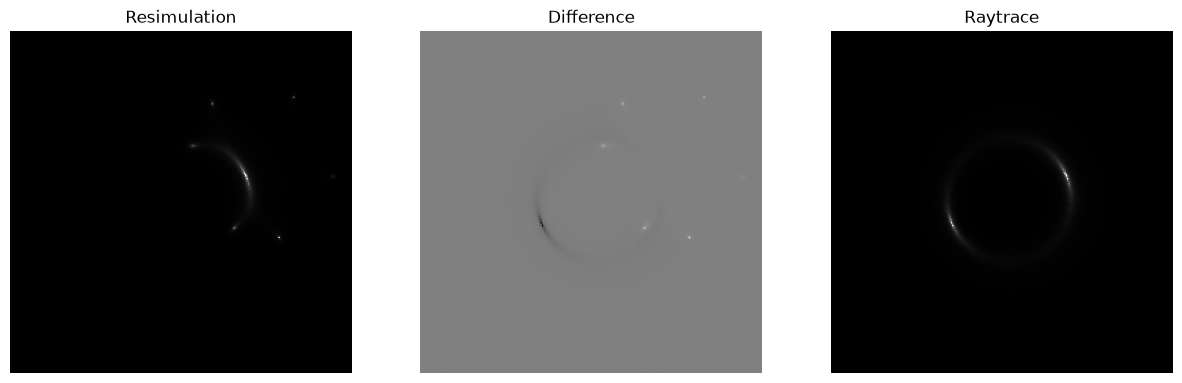
resim1 = Resim( df01, param=param, verbose=0 )
im01 = resim1.getImage()
csimg.imageCompare( im01, ray, "Resimulation", "Raytrace" )
[getSource] src=SersicSphere, ltprf0=None, verbose=1
[SphericalSource] constructor done
resim2 = Resim( df02, param=param, verbose=0 )
im02 = resim2.getImage()
csimg.imageCompare( im02, ray, "Resimulation", "Raytrace" )
[getSource] src=SersicSphere, ltprf0=None, verbose=1
[SphericalSource] constructor done
csimg.imageCompare( im02, im01, "Resimulation high precision", "Resimulation double precision" )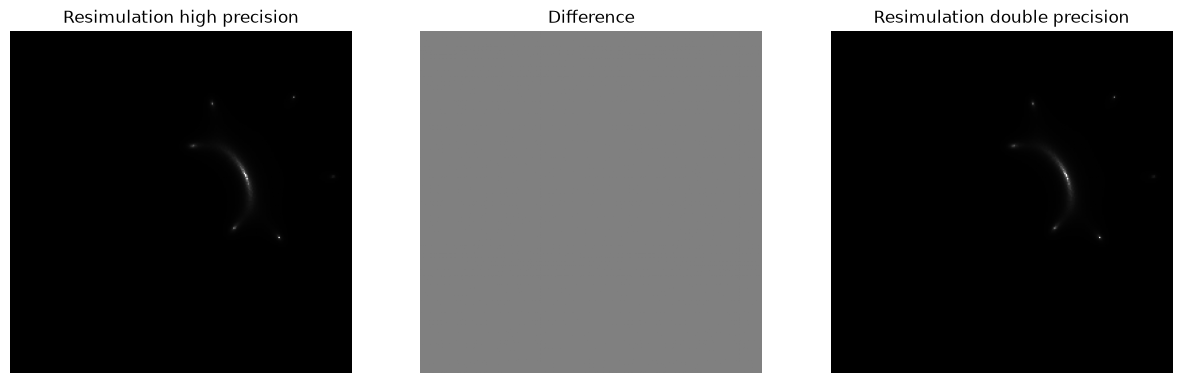
rparam = deepcopy( param )
rparam["simulator"]["model"] = "Roulette"
rsim = SimImage( rparam, verbose=0 )
rou = rsim.getImage()
csimg.imageCompare( rou, im01, "Original Roulette", "Resimulation" )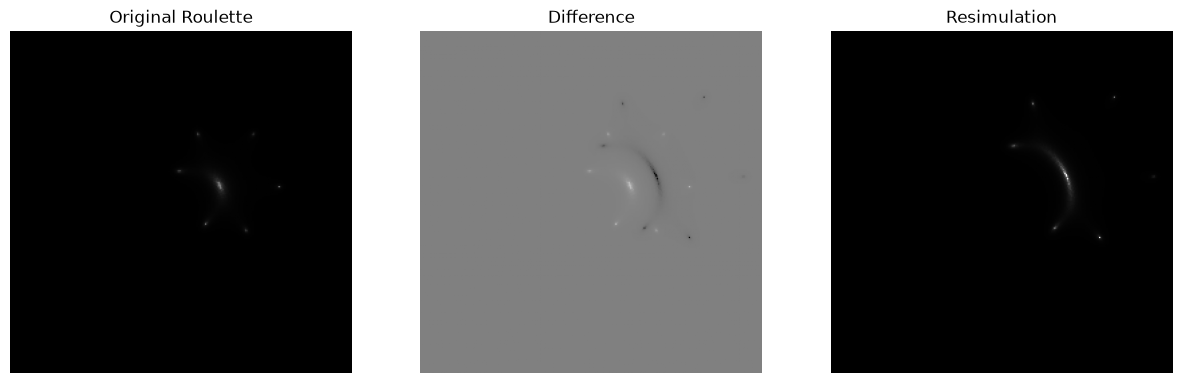
Further inspection
xi = sim.sim.getNu()
print(np.array(xi))
[46.44635086 23.22317543]