The critical element of roulettes simulation is the calculation of roulette
amplitudes.
The simulator using analytic formulæ (PsiFunctionLens) takes a text file
with pre-computed formulæ which are evaluated for the special case being
simulated.
Default files are included in the package, but it is possible to supply
custom file, as we will demonstrate below.
This demo was very important to debugging of the amplitudes calculation, and many of the files referenced herein are flawed. The demo is retained to show how the debugging can be done, but has not been updated to show the final results in current versions of CosmoSim.
See Roulette Implementation for more information about the calculation.
Preparation
import pandas as pd
import matplotlib.pyplot as plt
import numpy as np
from PIL import Image
import toml
from copy import deepcopy

import CosmoSim as cs
from CosmoSim import Parameters
from CosmoSim.datagen import SimImage
import CosmoSim.Image as csimg

print( "CosmoSim version:", cs.__version__ )
CosmoSim version: 3.3.0
The SIS Lens
We can define the configuration as a dict using the nested (TOML) structure. We will use the standard roulette simulator and the SIS lens with the same parameters throughout. The only thing we will change is the amplitudes file. We start with the default.
cfg = { 'simulator' : { "model" : "Roulette", "nterms" : 10, "cropsize" : 256 }
      , 'lens': {
            'mode' : "SIS",
            'einsteinradius': 46 }
      , 'source': {
            'mode': 'SersicSphere',
            'sigma': 20,
            'theta': 45,
            'luminosity' : 20,
            'position': 'cartesian'}
      , 'position': {'x': 11.01, 'y': 0.31}
      }
param = Parameters(cfg)
sim01 = SimImage( param, verbose=0 )
im01 = sim01.getImage()
csimg.imshow( im01, title="Default")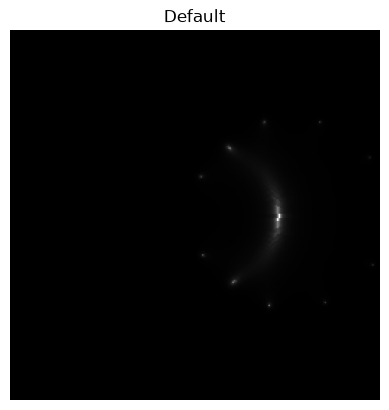
raycfg = deepcopy(cfg)
raycfg["simulator"]["model"] = "Raytrace"
rayparam = Parameters( raycfg )
raysim = SimImage( rayparam, verbose=0 )
rayim = raysim.getImage()
csimg.imageCompare( im01, rayim, "Baseline", 'Raytrace')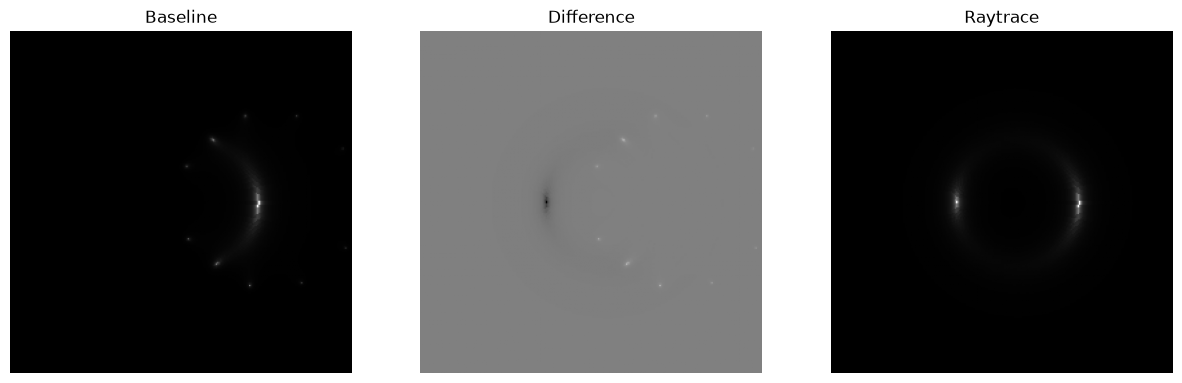
Rational numbers
There is a bug up until v3.0 where certain constants are computed as floating point numbers, and not rational numbers. The first thing we want to check is if a change to rational numbers will change or improve the simulation.
sis20.txt is calculated using
CosmoSim.Roulettesv3.0.5
param["lens"]["amplitudefile"] = "sis20.txt"

sim02 = SimImage( param, verbose=0 )
im02 = sim02.getImage()
csimg.imageCompare( im02, im01, "Rational numbers", 'Baseline')
csimg.imageCompare( im02, rayim, "Rational numbers", 'Raytrace')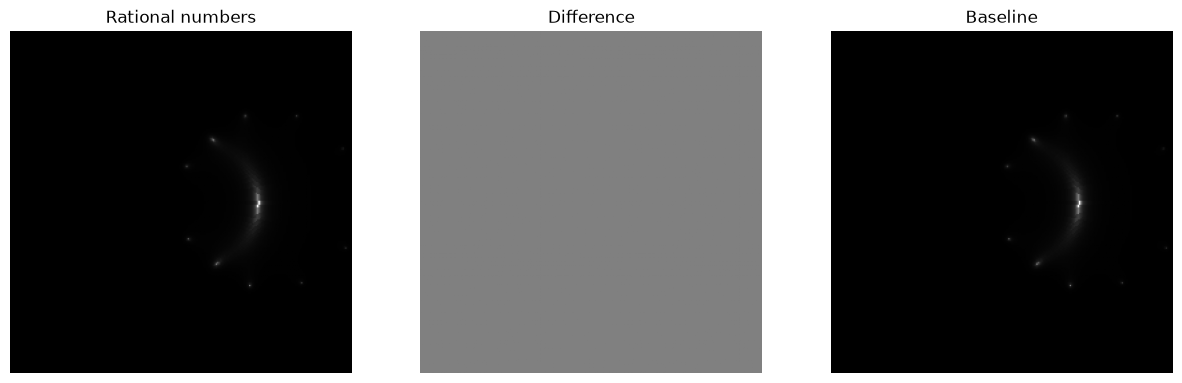
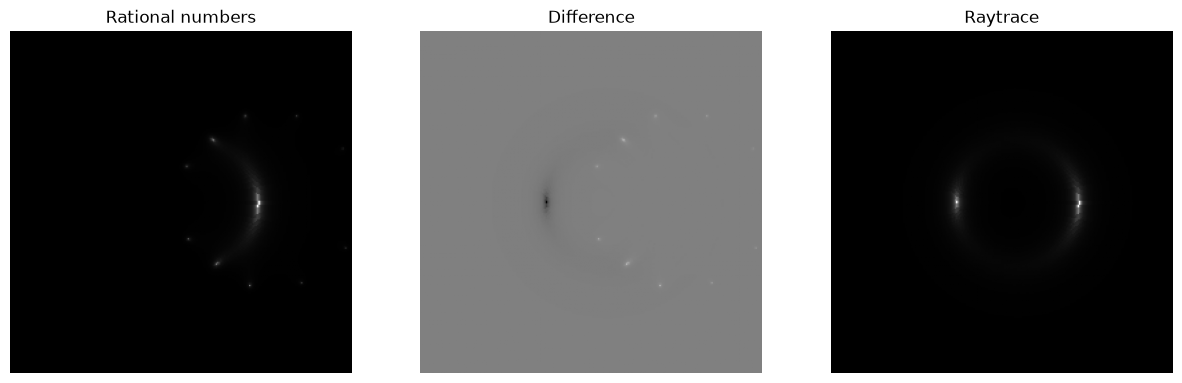
There is no visual discrepancy between the two implementations, but we can check it numerically as well, by taking the Euclidean distance between the two images.
print( sum( (im01-im02).flatten()**2 ) )0
SIE style calculation
sis10sie.txt is calculated using the same logic as the amplitudes for the SIE lens.
param["lens"]["amplitudefile"] = "sis10sie.txt"

sim03 = SimImage( param, verbose=0 )
im03 = sim03.getImage()
csimg.imageCompare( im03, im01, "SIE style", 'Baseline')
csimg.imageCompare( im03, rayim, "SIE style", 'Raytrace')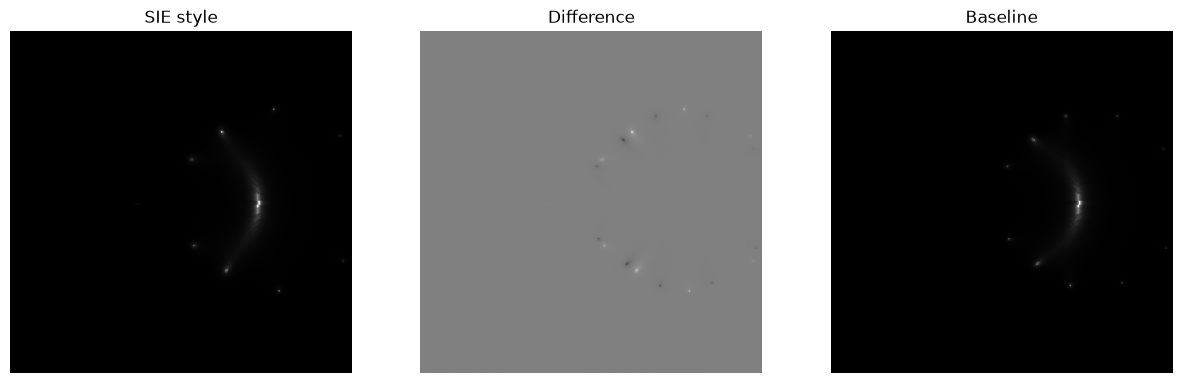
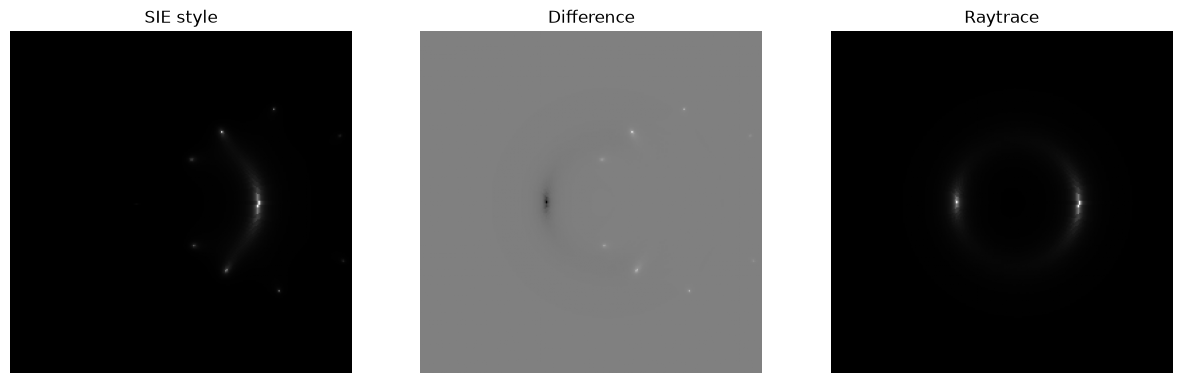
Here we do see a significant although the only visibly discernible difference is in the spurious images. This is probably due to a bug in the SIE style calculation, halting prematurely leaving some of the high order amplitudes blank.
You can change nterms to 8 in the original definition of cfg and rerun, to find no discrepancy.
print( sum( (im01.astype(np.double)-im03.astype(np.double)).flatten()**2 ) )403654.0
The Point Mass Lens
We use the same configuration as for the SIS lens, changing only the lens mode.
pmcfg = { 'simulator' : { "model" : "Roulette", "nterms" : 8, "cropsize" : 256 }
      , 'lens': {
            'mode' : "PM",
            'einsteinradius' : 46 }
      , 'source': {
            'mode': 'SersicSphere',
            'sigma': 20,
            'luminosity' : 20,
            'position': 'cartesian'}
      , 'position': {'x': 11.01, 'y': 0.31}
      }
pmparam = Parameters(pmcfg)
pmsim01 = SimImage( pmparam, verbose=0 )
pm01 = pmsim01.getImage()
csimg.imshow( pm01, title="Default Point Mass")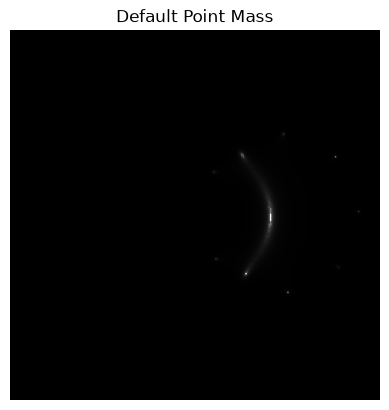
pmrcfg = deepcopy(pmcfg)
pmrcfg["simulator"]["model"] = "Raytrace"
pmrparam = Parameters( pmrcfg )
pmraysim = SimImage( pmrparam, verbose=0 )
pmray = pmraysim.getImage()
csimg.imageCompare( pm01, pmray, "Baseline", 'Raytrace')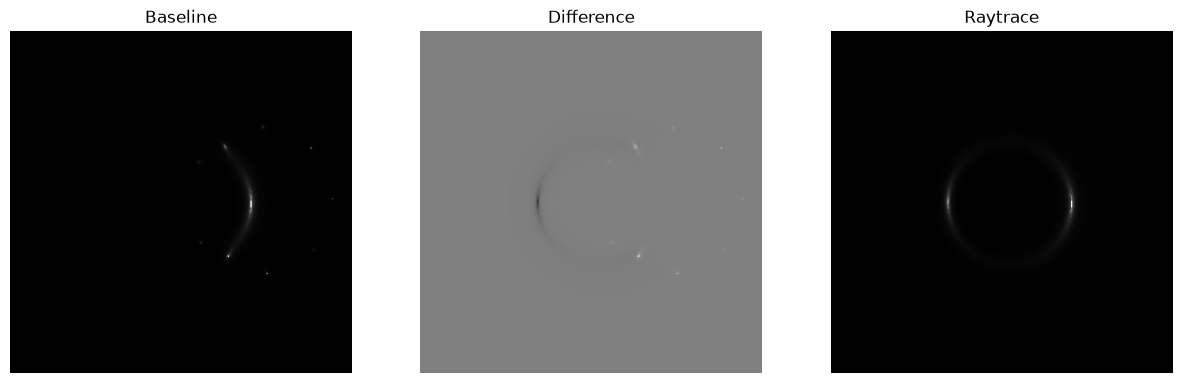
This is disconcerting. The roulette simulation gives an image much too faint.
pmparam["lens"]["amplitudefile"] = "pm20.txt"

pmsim02 = SimImage( pmparam, verbose=0 )
pm02 = pmsim02.getImage()
csimg.imageCompare( pm02, pm01, "Rational numbers", 'Baseline')
csimg.imageCompare( pm02, pmray, "Rational numbers", 'Raytrace')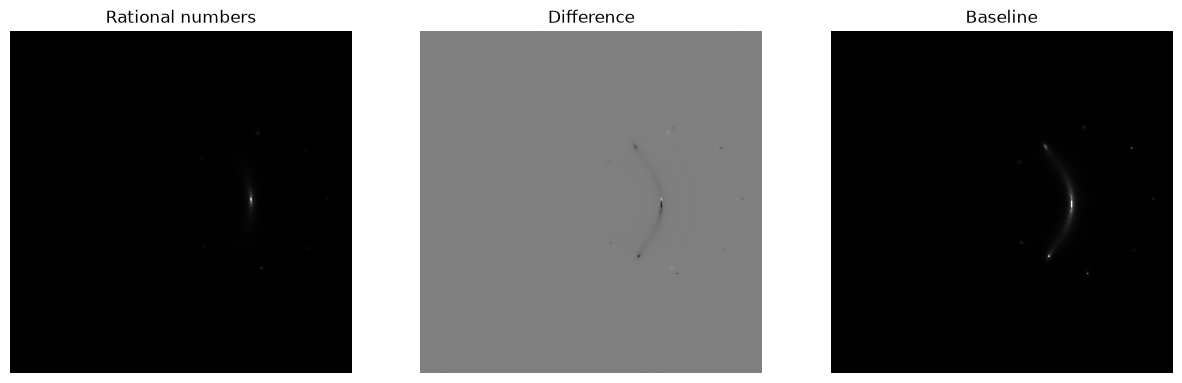
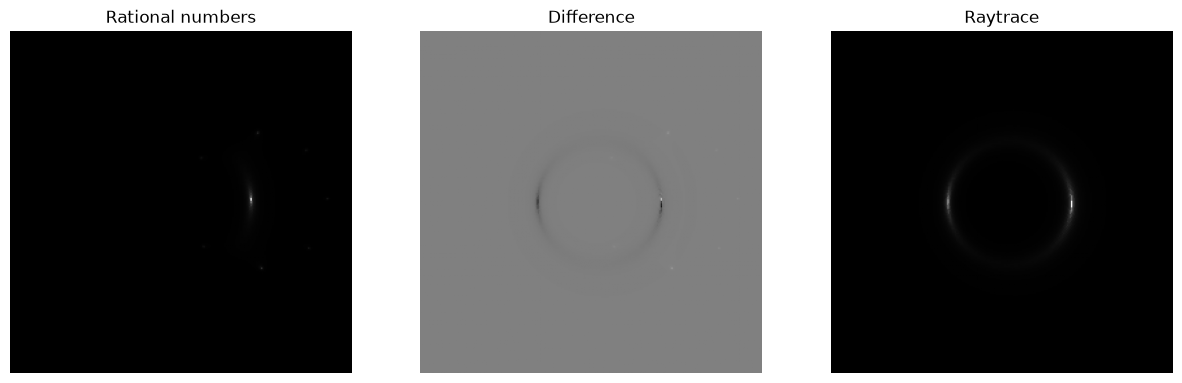
There is no visual discrepancy between the two implementations, but we can check it numerically as well, by taking the Euclidean distance between the two images.
print( sum( (pm01-pm02).astype(np.double).flatten()**2 ) )12266985.0
SIE style calculation
pm10sie.txt is calculated using the same logic as the amplitudes for the SIE lens.
pmparam["lens"]["amplitudefile"] = "pm10sie.txt"

pmsim03 = SimImage( pmparam, verbose=0 )
pm03 = pmsim03.getImage()
csimg.imageCompare( pm03, pm01, "SIE style", 'Baseline')
csimg.imageCompare( pm03, pmray, "SIE style", 'Raytrace')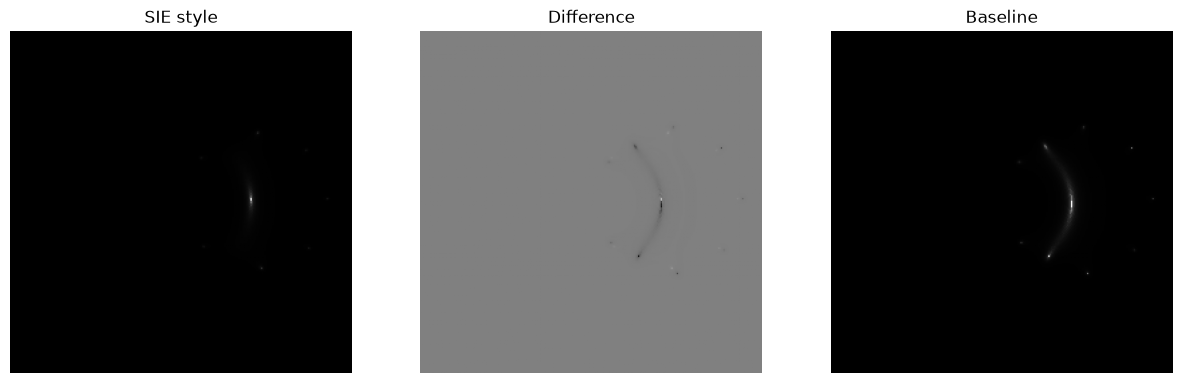
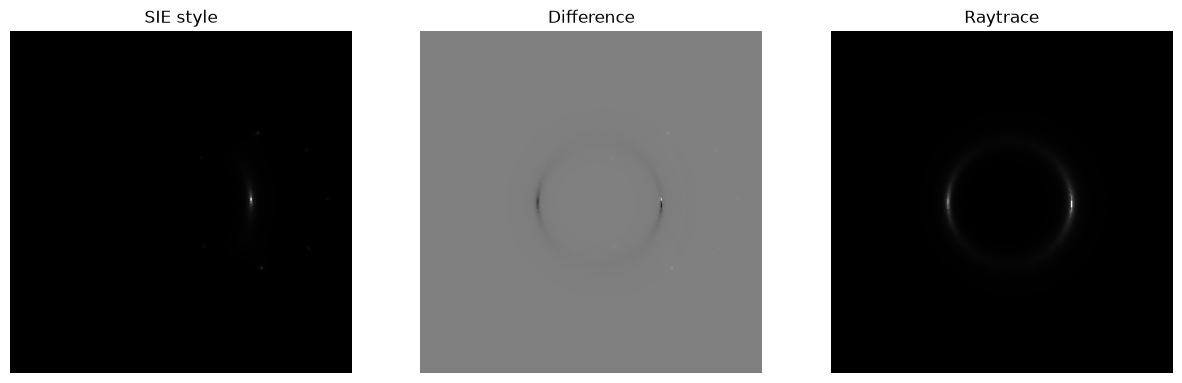
Again, it is identical, and wrong.
print( sum( (im01.astype(np.double)-im03.astype(np.double)).flatten()**2 ) )403654.0
Since the point mass is circular symmetric, the orientation parameter for SIE
is redundant, and makes the above formulæ unnecessarily complicated.
Using the --circular argument to CosmoSim.Roulettes.sie, we get the following
amplitudes formulæ.
pmparam["lens"]["amplitudefile"] = "pm09sie2.txt"

pmsim04 = SimImage( pmparam, verbose=0 )
pm04 = pmsim04.getImage()
csimg.imageCompare( pm04, pm01, "SIE style", 'Baseline')
csimg.imageCompare( pm04, pmray, "SIE style", 'Raytrace')
It does not make a difference to the simulation, but it is simpler.
Some more examples
pmparam["position"]["y"] = 10
pmparam["simulator"]["model"] = "Raytrace"
a1 = SimImage( pmparam, verbose=0 ).getImage()
pmparam["simulator"]["model"] = "Roulette"
a2 = SimImage( pmparam, verbose=0 ).getImage()
csimg.imageCompare( a2, a1, "SIE style", 'Raytrace')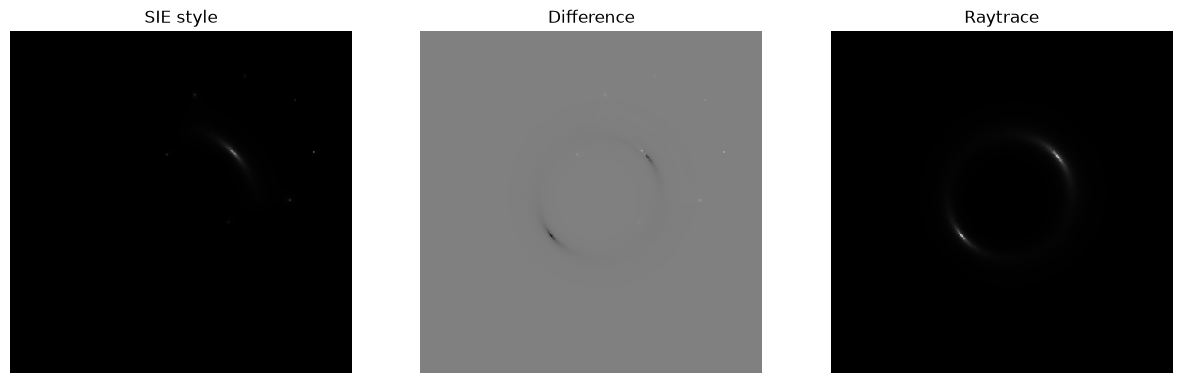
pmparam["position"]["y"] = 20
pmparam["simulator"]["model"] = "Raytrace"
a1 = SimImage( pmparam, verbose=0 ).getImage()
pmparam["simulator"]["model"] = "Roulette"
a2 = SimImage( pmparam, verbose=0 ).getImage()
csimg.imageCompare( a2, a1, "SIE style", 'Raytrace')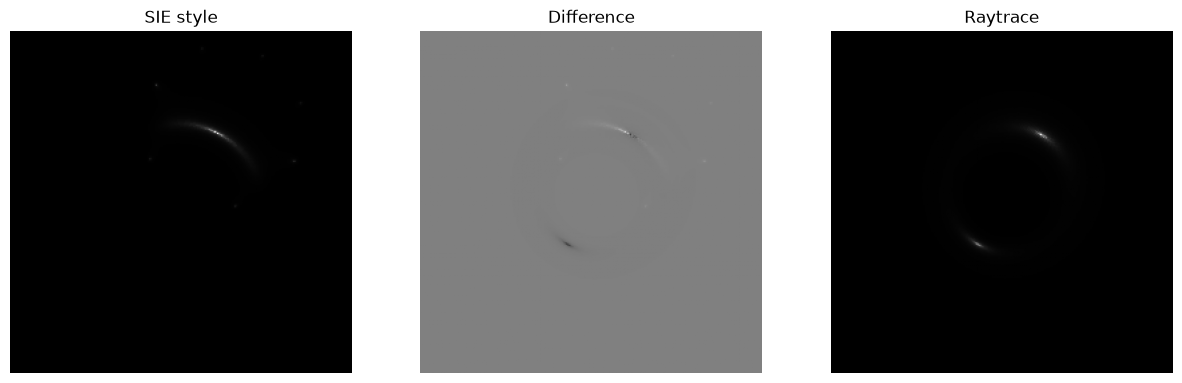
Closure
The main problem with the point mass lens was a faulty formula for the lens
potential in CosmoSim.Roulettes.libamplitudes. Many of the samples above
were generated with the same flaw, and this explains most of the errors.
The final validation that the roulette computation is correct is the comparison with raytrace for each lens model: The Point Mass Lens, CosmoSim SIS Demo, and CosmoSim SIE Demo,